Friday Pack Forms
Friday Pack Forms cover the safety, briefing, inspection, and declaration records that feed the weekly export pack.
Daily Briefing Sheet
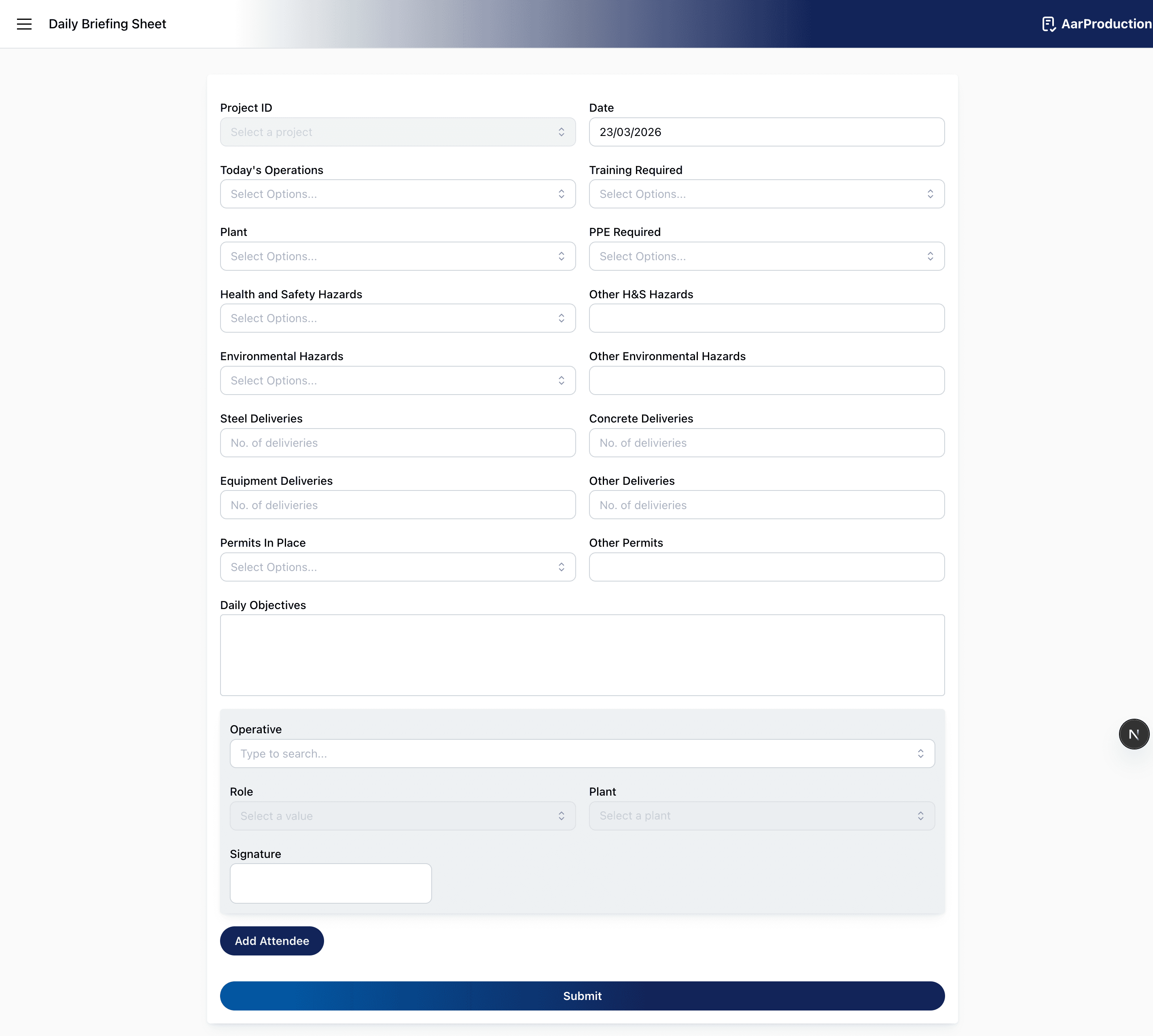
Use the Daily Briefing Sheet to record the day’s briefing before or at the start of work.
Complete the form with:
- the project and date
- today’s operations
- training required
- plant and PPE required
- health, safety, and environmental hazards
- deliveries expected
- permits in place
- daily objectives
Where list fields are used, start typing to filter the available options before selecting them.
Add attendees and collect signatures so there is a clear record of who took part in the briefing.
Before submitting, check that the hazards and objectives reflect the actual plan for the day.
Daily Pre Start Checks
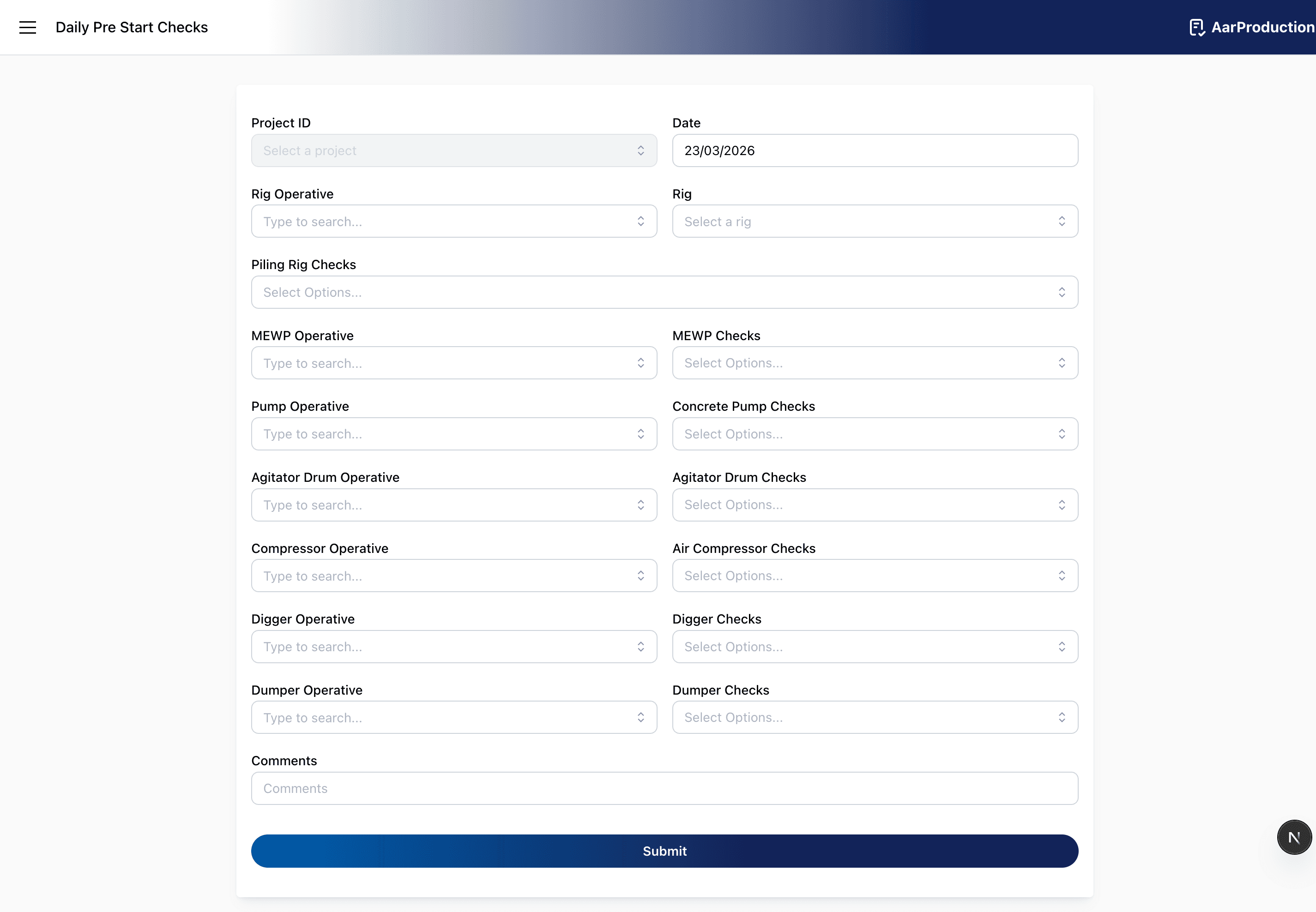
Use Daily Pre Start Checks to confirm key plant and equipment have been checked before use.
Assign the relevant operative and complete the checks for each item that applies on that shift, including:
- piling rig
- MEWP
- concrete pump
- agitator drum
- air compressor
- digger
- dumper
Use the operative and plant selection fields by typing a search term first, then choosing the correct result from the filtered list.
Add comments if anything is defective, unavailable, or requires attention.
If a section does not apply to the shift, complete the form carefully so the recorded checks match the equipment actually in use.
Weekly LOLER Equipment Checks
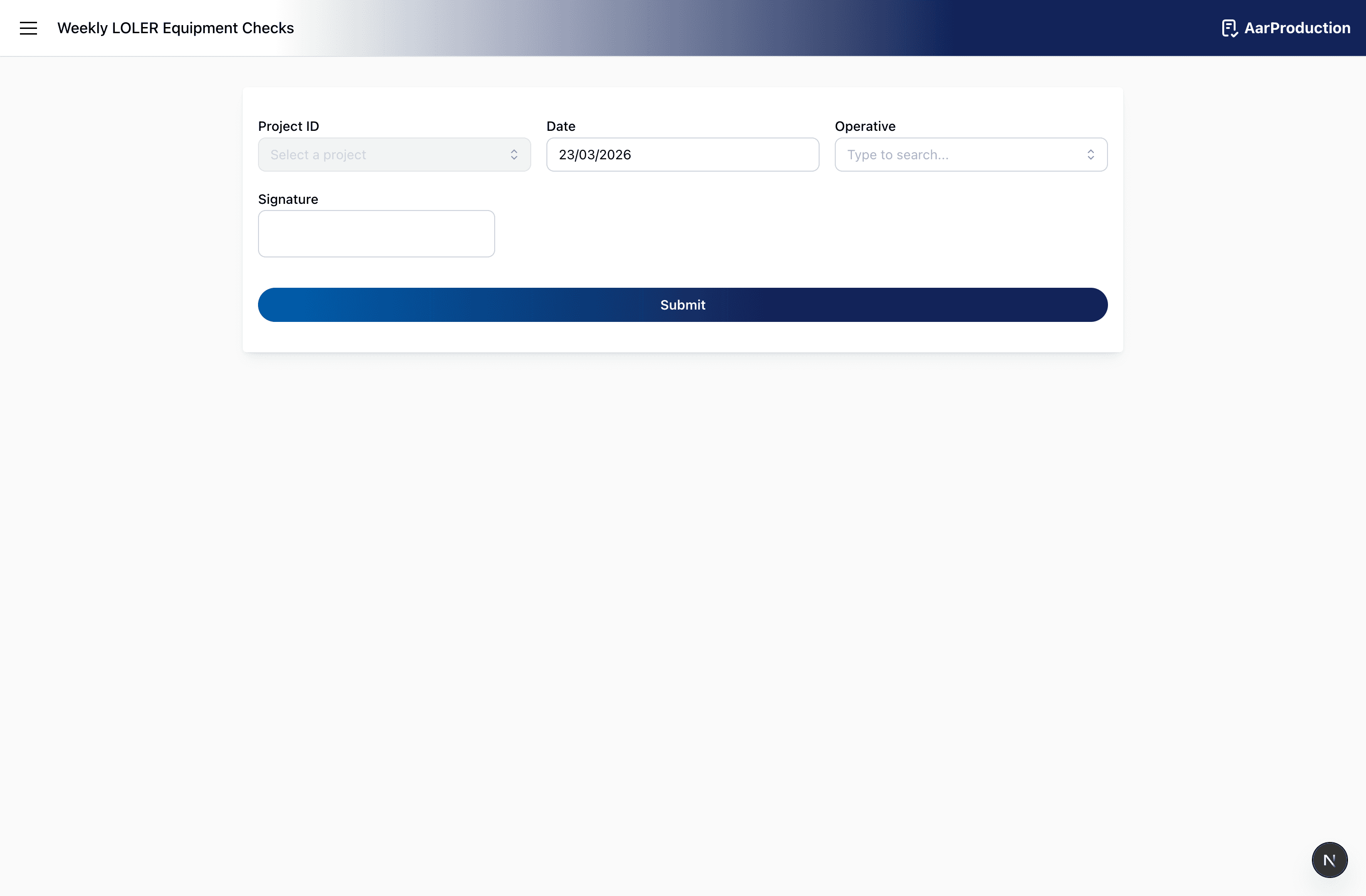
Use Weekly LOLER Equipment Checks to complete the weekly inspection of lifting equipment assigned to an operative.
After selecting the operative, review each listed item and record:
- whether it is in working order
- any comments or defects
The operative field is searchable, so type part of the operative’s name to narrow the list before selecting them.
Make sure every listed item is reviewed. If a defect is found, describe it clearly in the comments so follow-up action is possible.
Concrete Hose Checks
Use Concrete Hose Checks to inspect hoses before or during use as required by the job.
The hose field is searchable. Typing part of the hose ID is usually the fastest way to filter the list and select the correct hose.
Select the operative, then add each hose being checked. For each hose, record:
- the hose identity
- whether it is in working order
- comments if there is damage, wear, or another issue
Both the operative field and hose field are easier to use if you type a search term first. For hoses, typing part of the hose ID is usually the quickest way to find the correct item.
If a hose is not in working order, the comments should state the problem clearly.
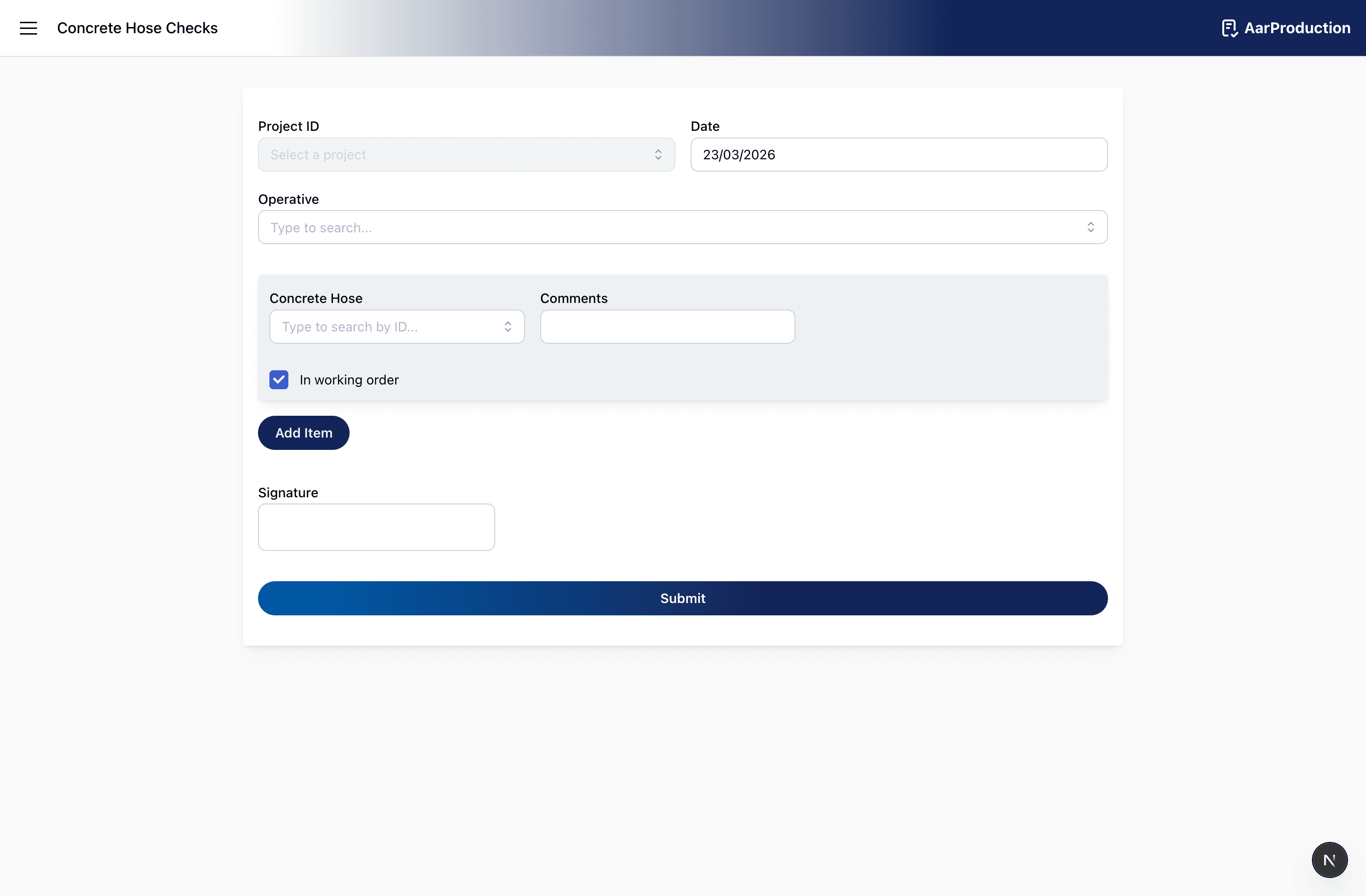
Toolbox Talk
Use Toolbox Talk to record a formal site talk or briefing topic.
Complete:
- project and date
- subject
- location
- duration
- speaker signature
Then add all attendees with:
- name
- position
- signature
Where attendee names are selected from a list, type part of the name first to filter the results.
Before submitting, make sure the subject is specific and all attendees listed have signed.
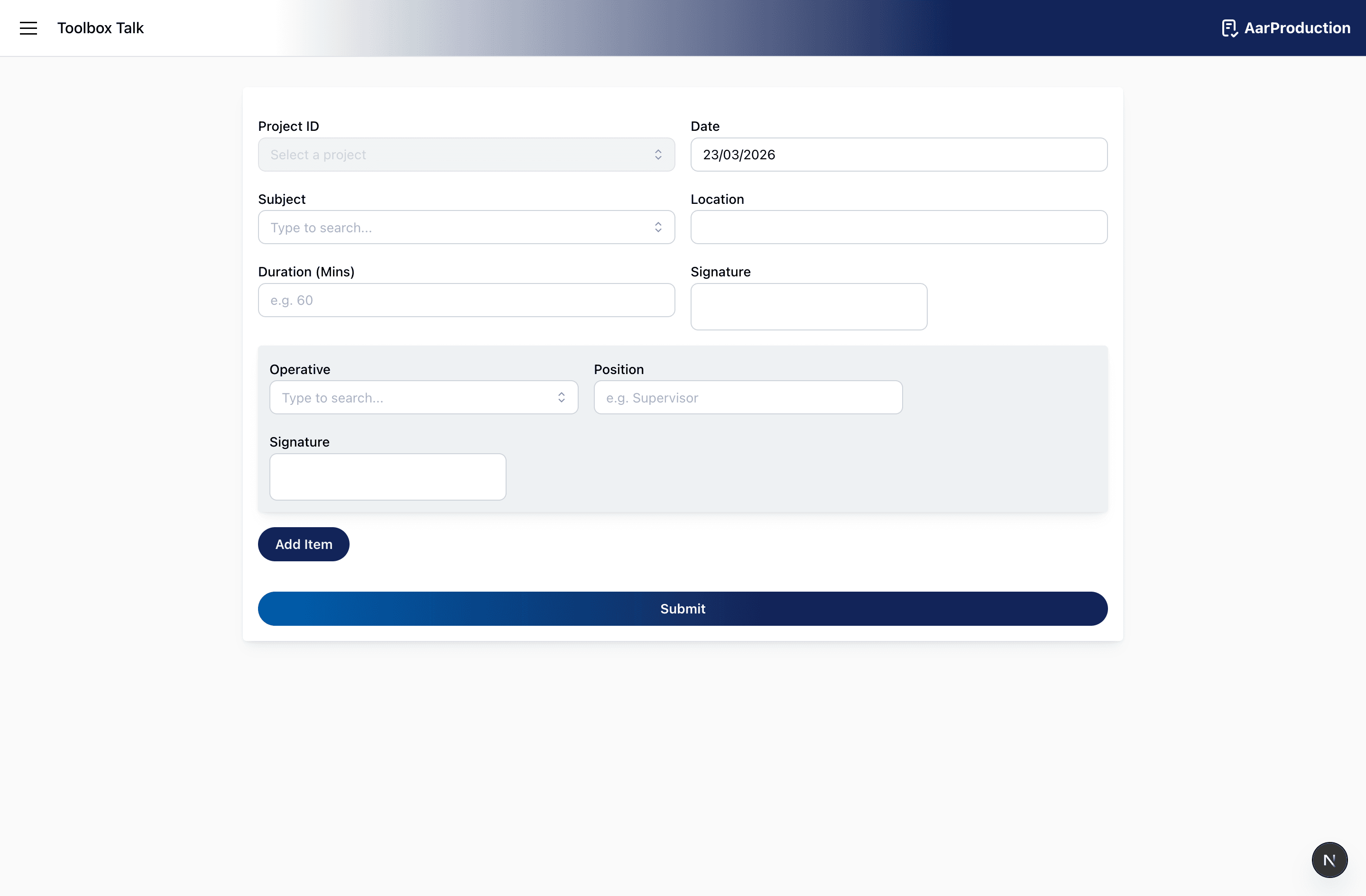
Declarations Form
Use the Declarations Form when the declaration statements need to be acknowledged and signed.
Read through the declarations shown on screen, then complete:
- project
- date
- signature
Do not sign until the declarations have been reviewed.
This form is a declaration and sign-off record. Review the text on screen before adding a signature.
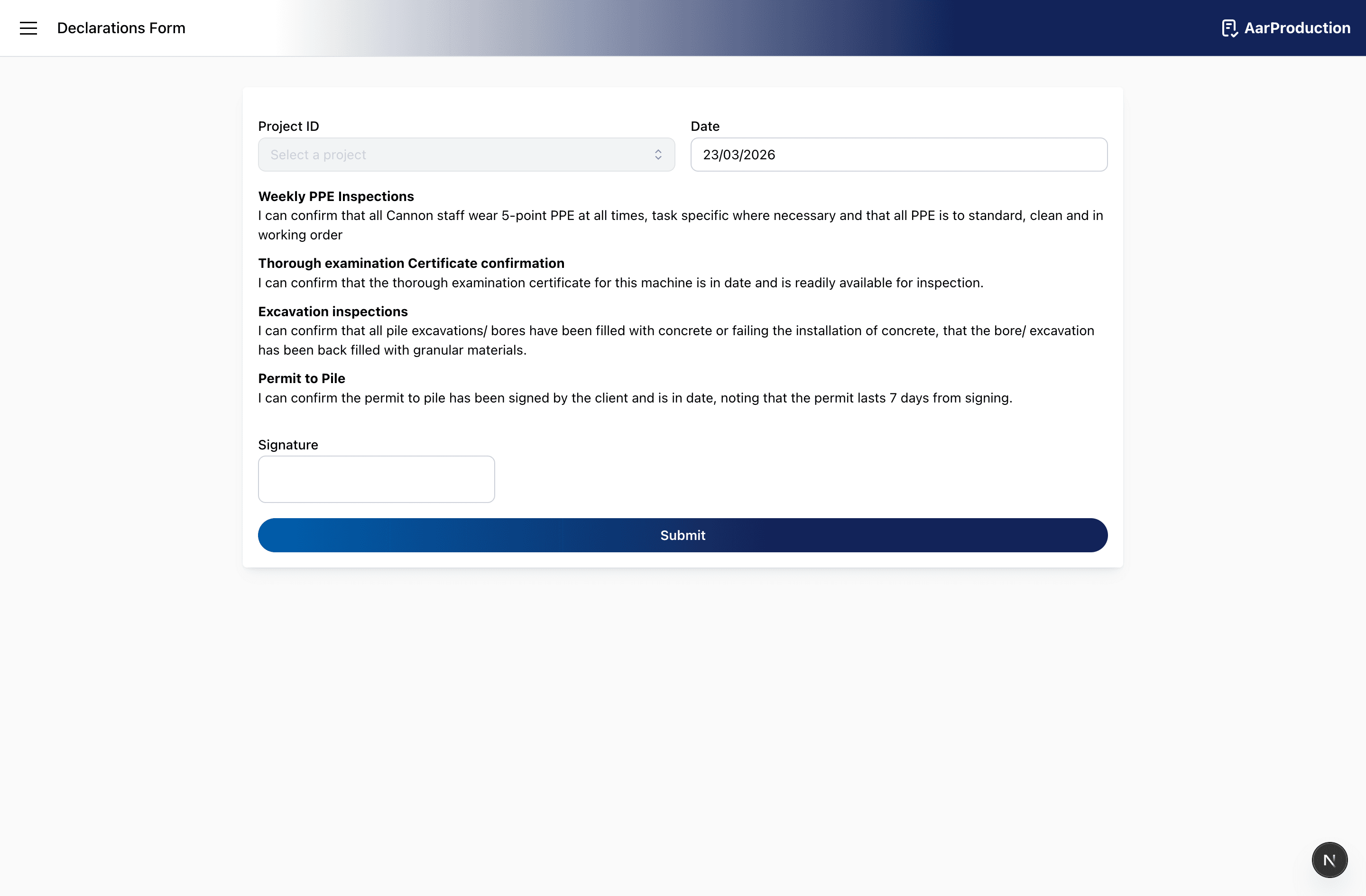
Working Platform Inspection
Use Working Platform Inspection to record confirmation that the working platform has been inspected and handed over appropriately.
Complete:
- organisation name
- employee name
- employee position
- comments
- signature
Use the comments field for alterations, maintenance details, repairs, next inspection details, or any other important handover notes.
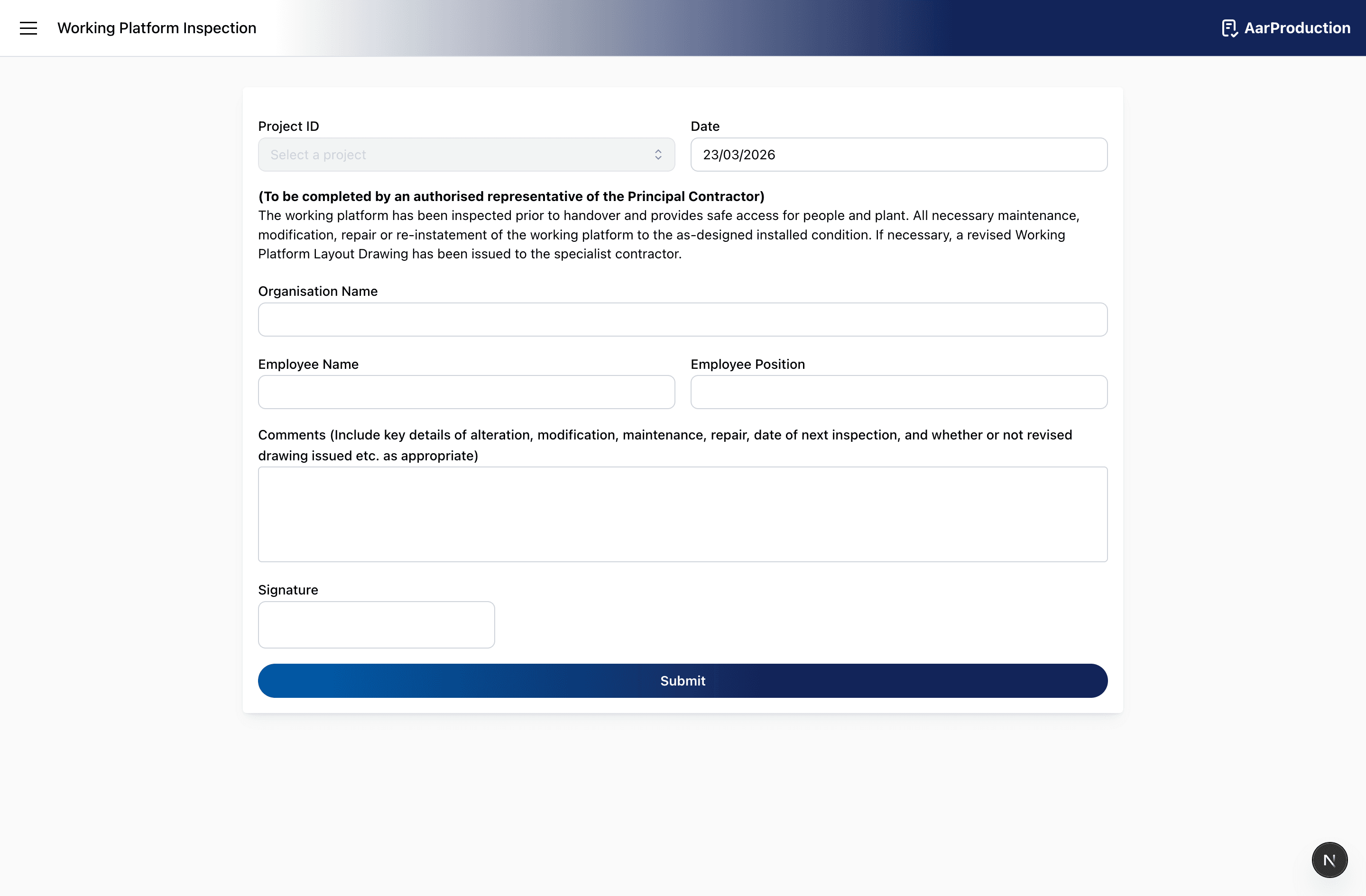
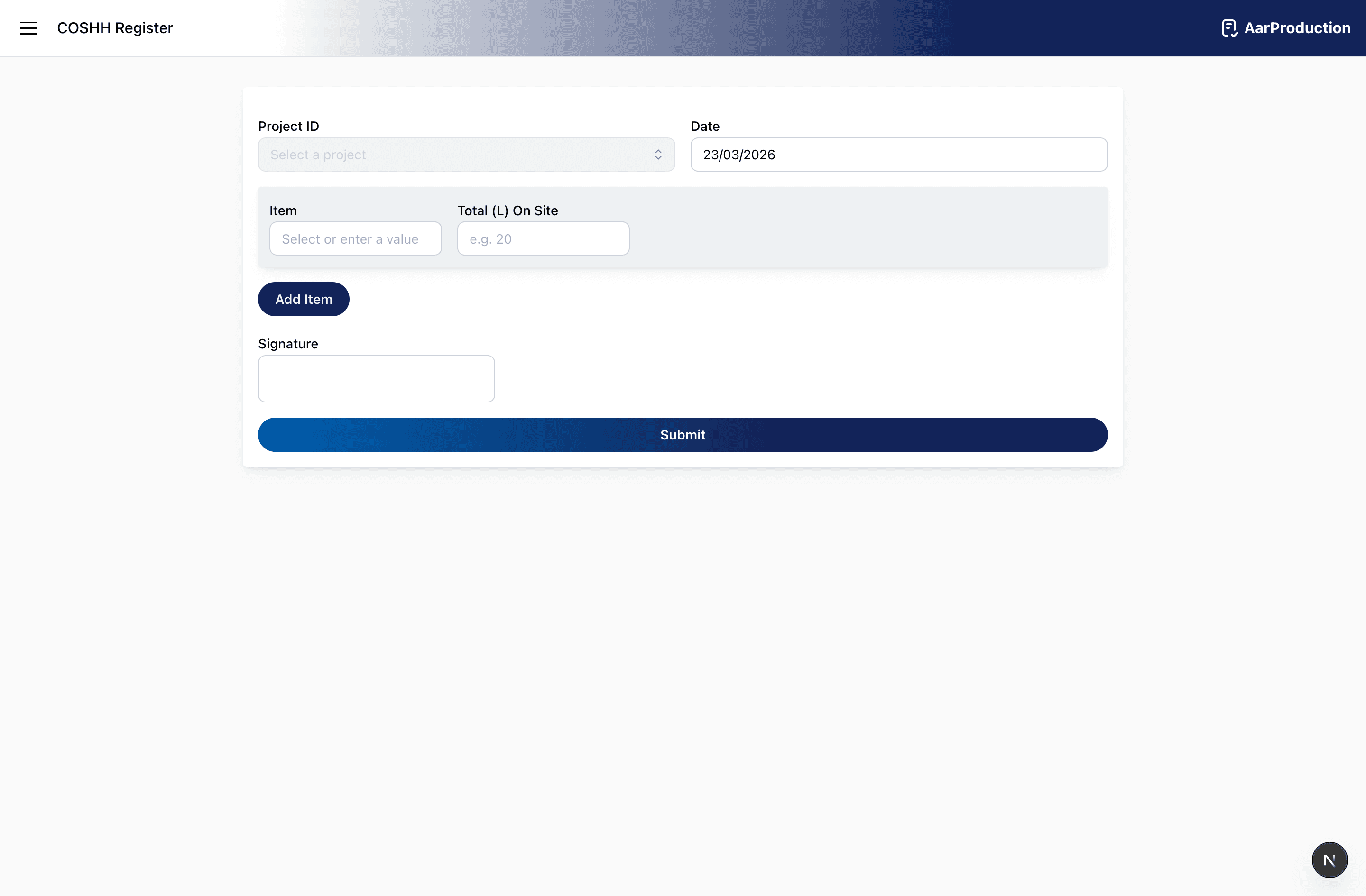
COSHH Register
Use COSHH Register to list substances held on site and their quantities.
Add each item separately and enter the total amount on site.
Before submitting, check that:
- all relevant substances are included
- quantities are up to date
- naming is clear enough for others to understand the record
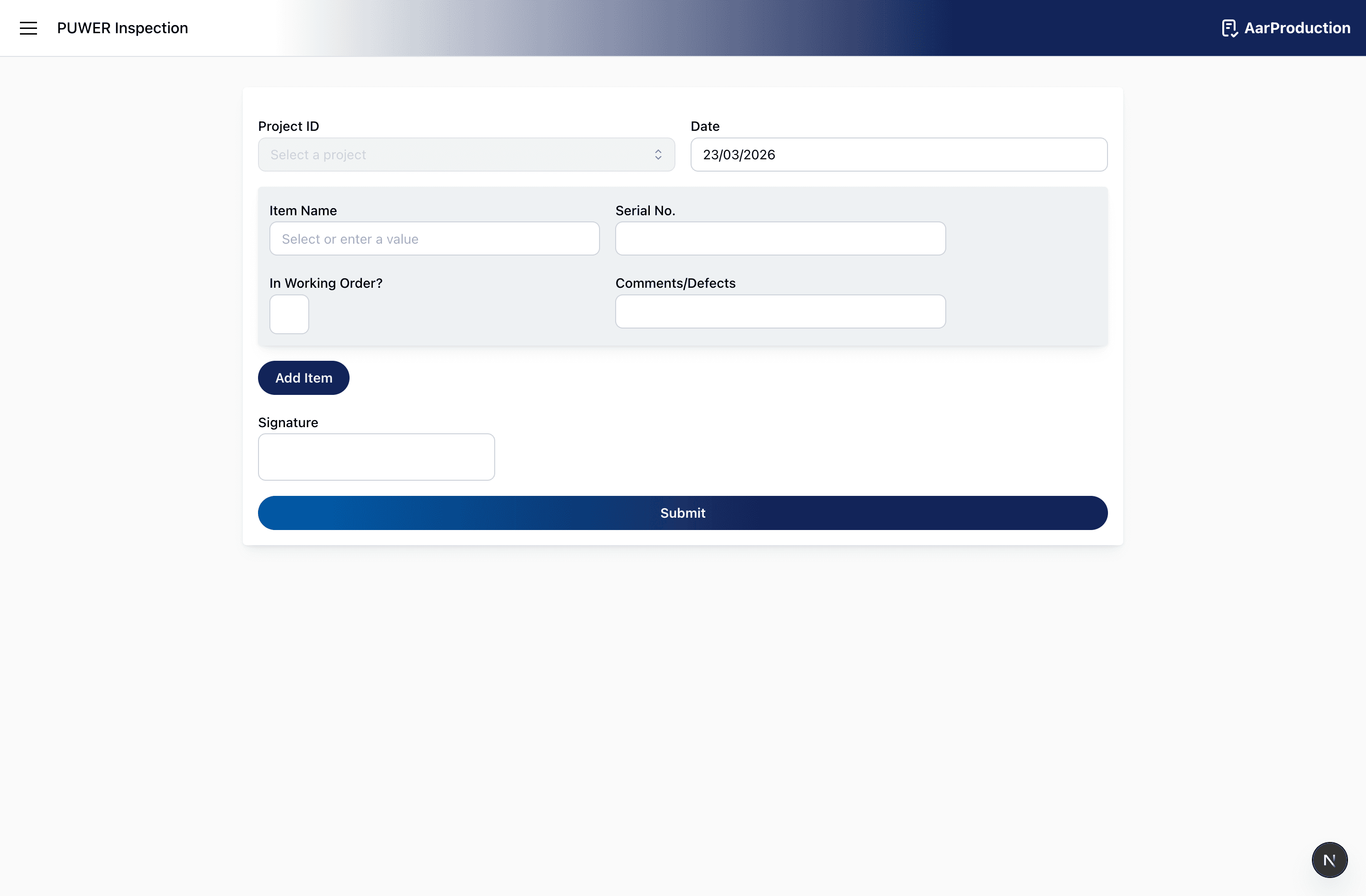
PUWER Inspection
Use PUWER Inspection to record a condition check for work equipment.
For each item, enter:
- item name
- serial number
- whether it is in working order
- comments or defects
Add all items that were inspected, then sign the form.
If defects are found, describe them clearly rather than using brief notes such as “damaged” or “not right”.